
Fortiori
A downloadable game for Windows and Linux

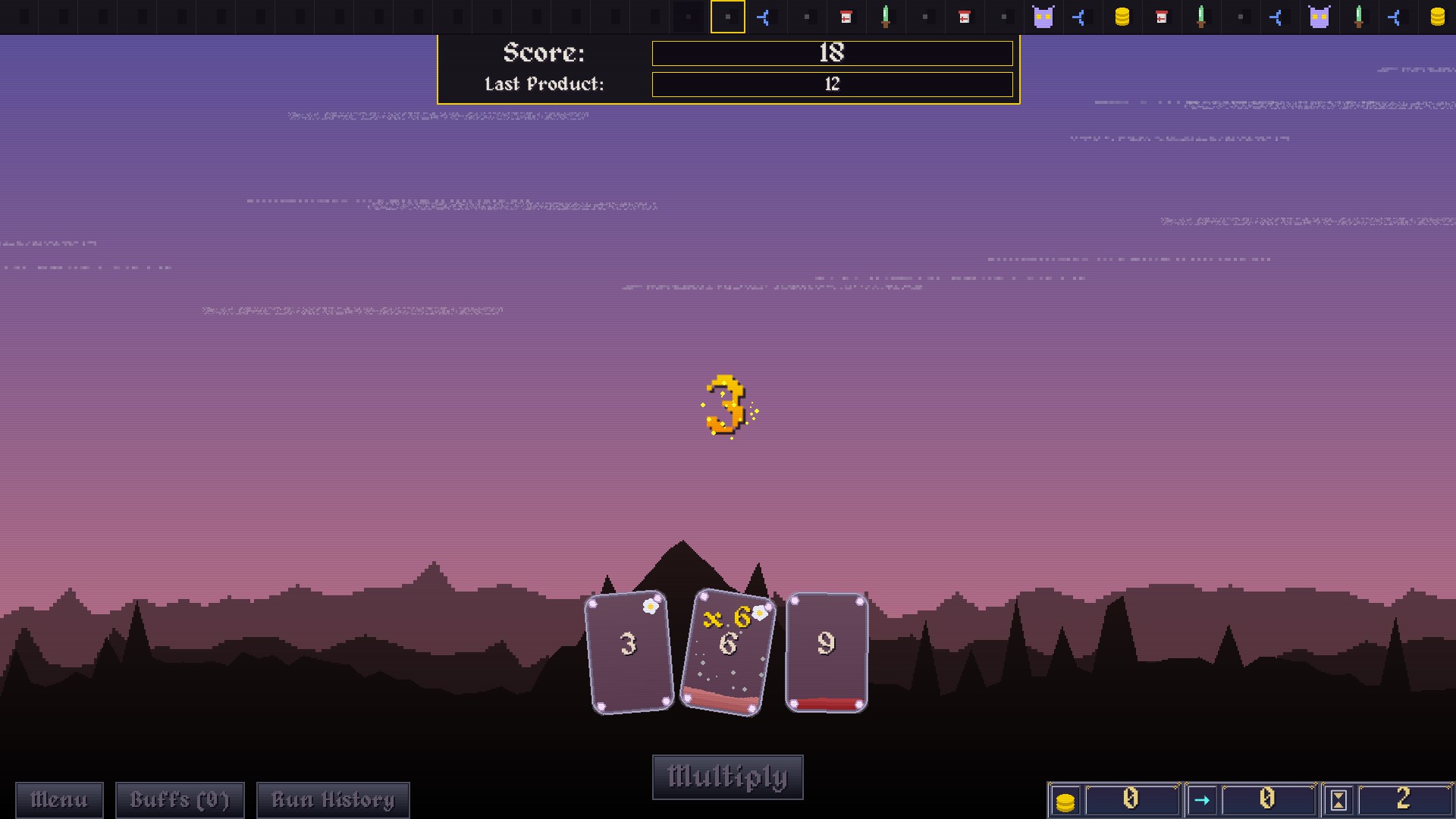
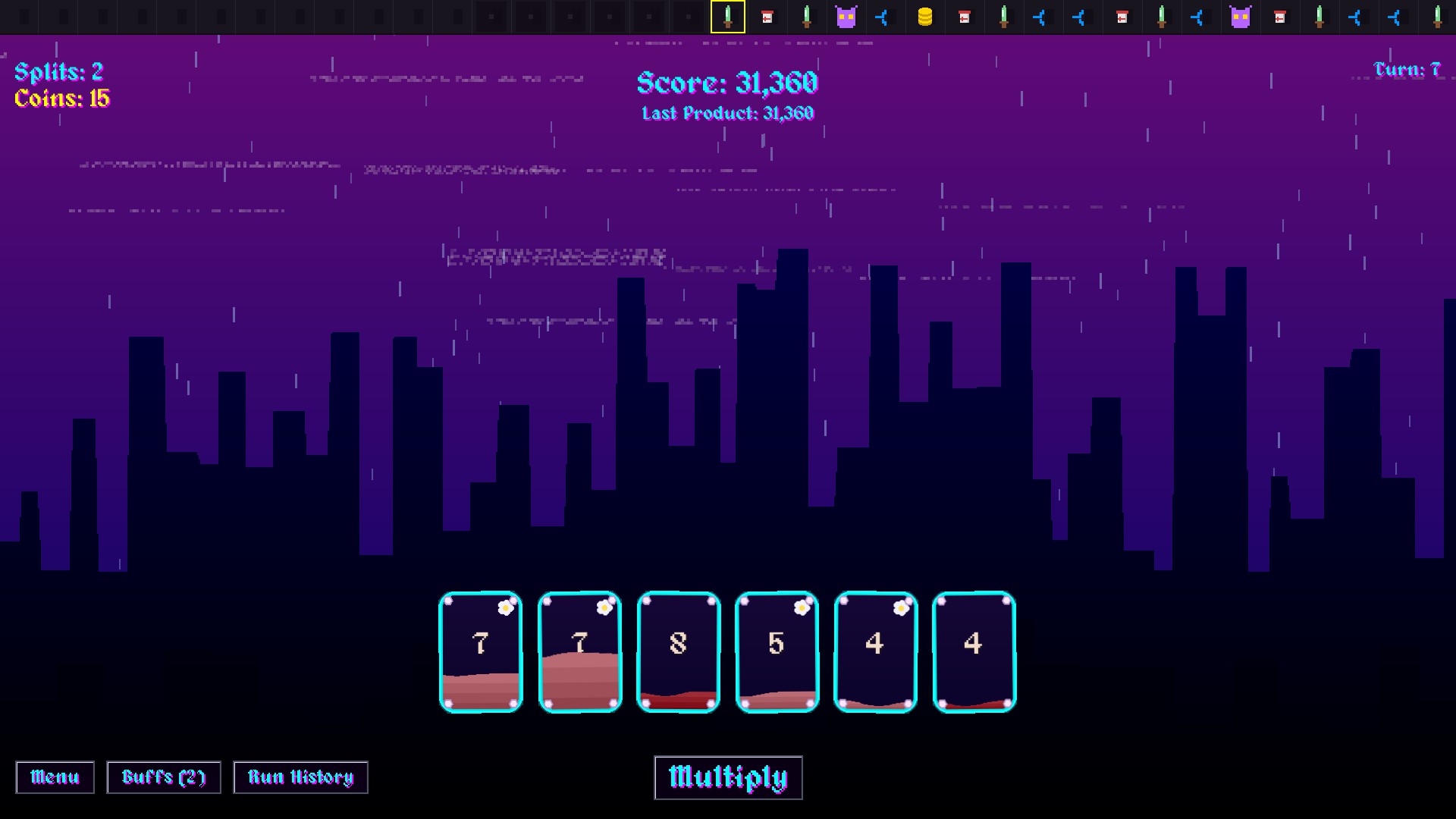
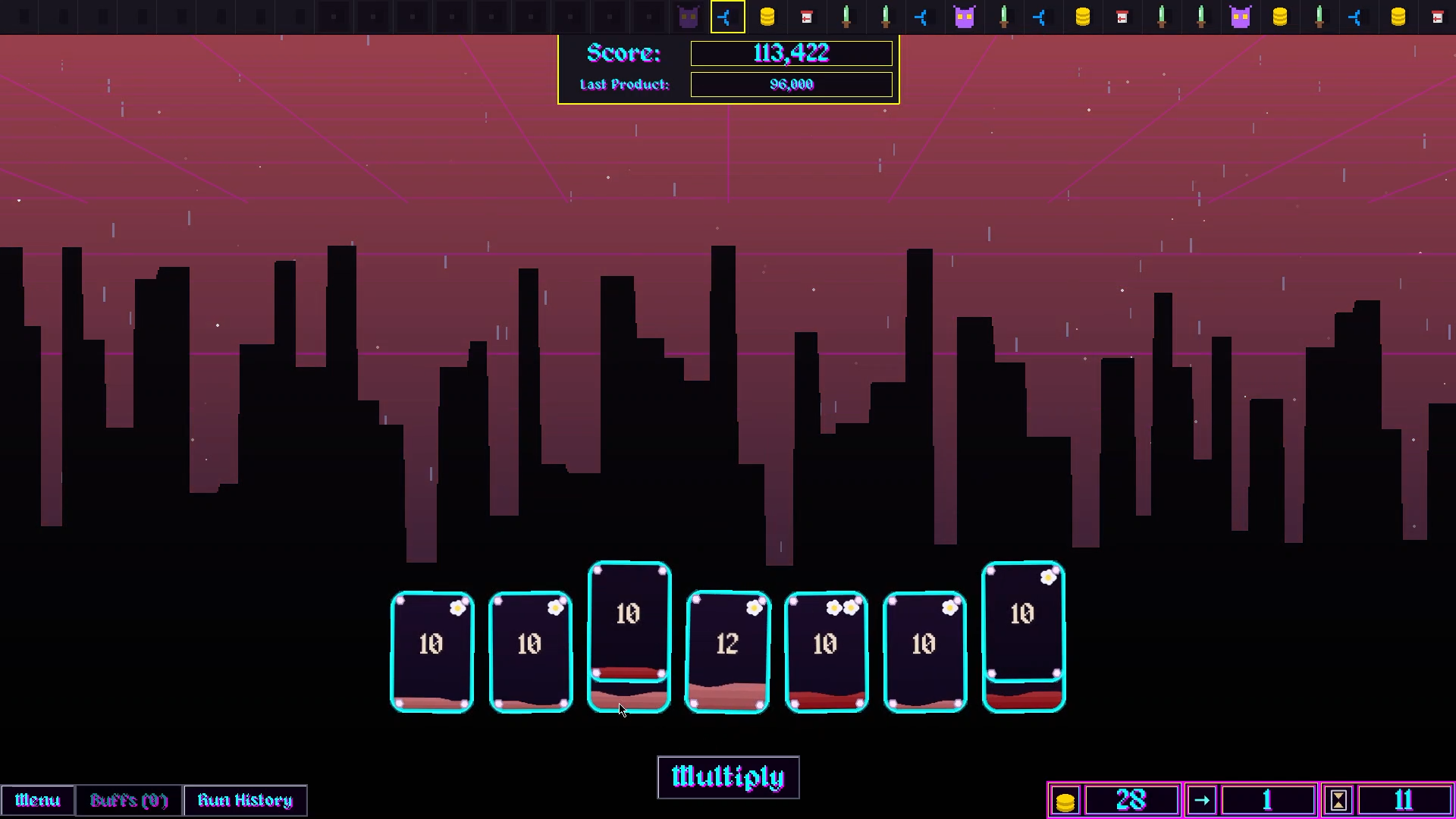
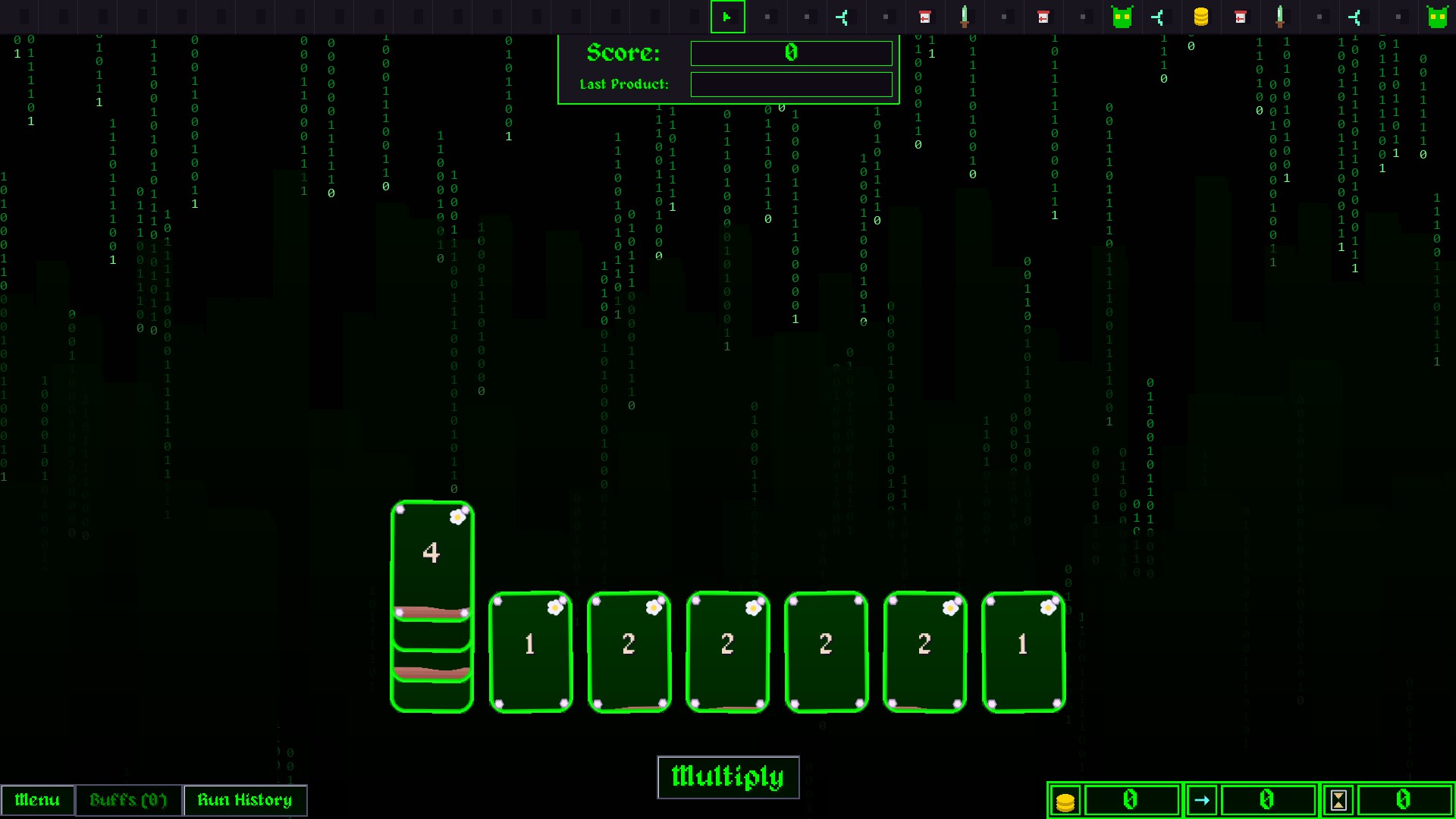
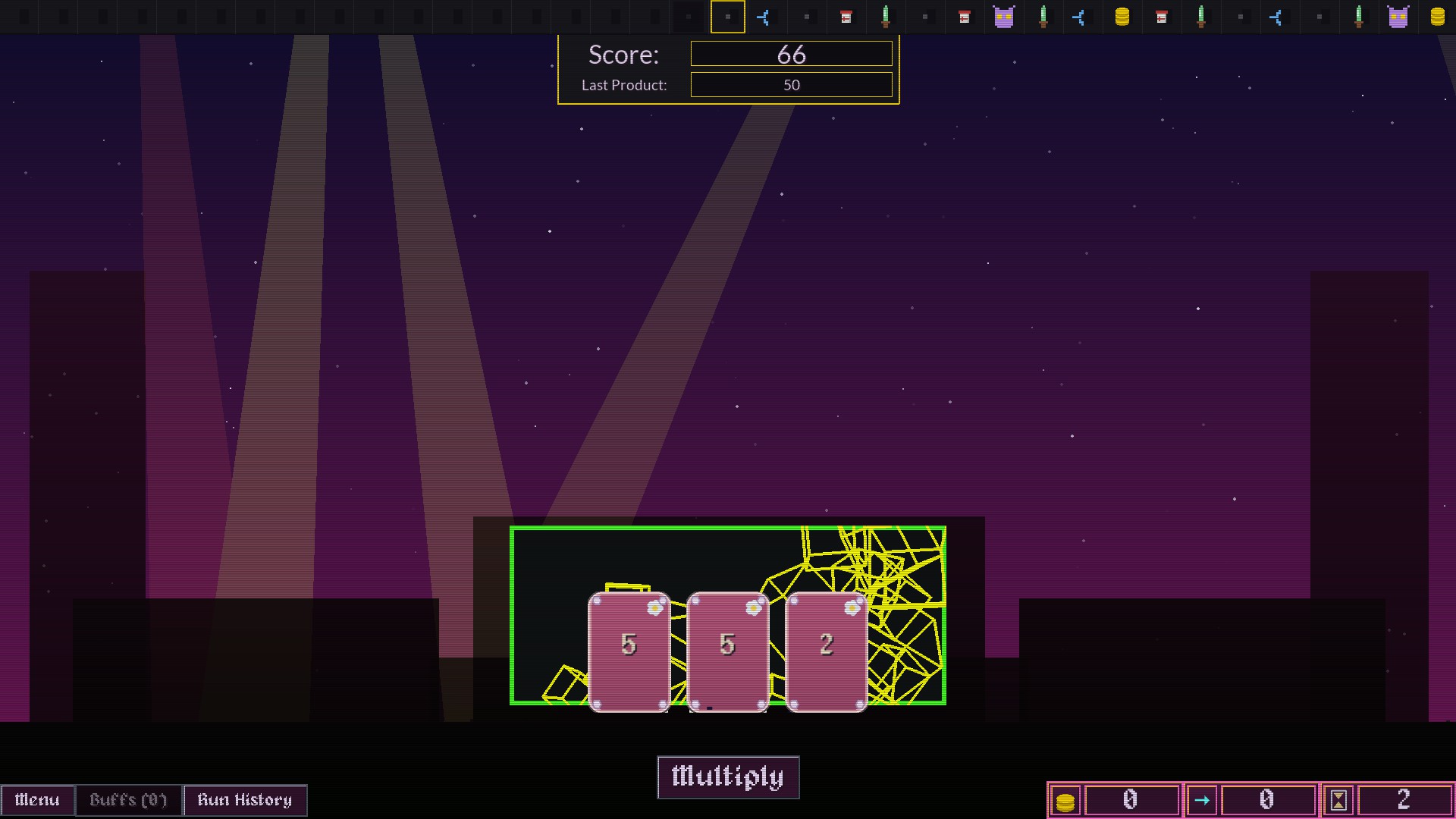
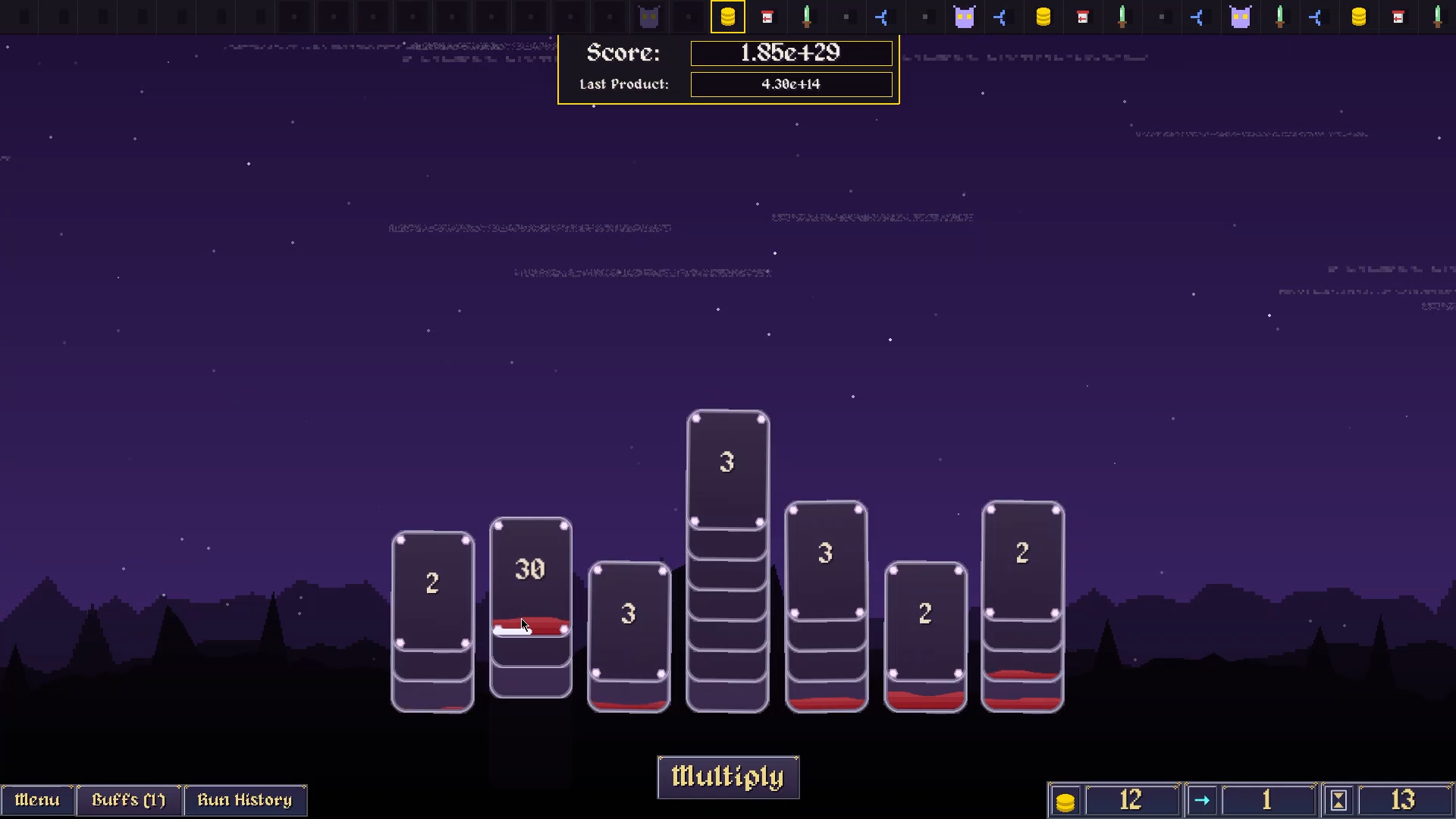
Fortiori is an endless number multiplication Deck Modifier about scoring numbers larger than comprehension
The Fortiori of Fortiori
- Beat the Score: Multiply the cards in your hand to create a product that overcomes your own ever-growing score.
- Hit the Number: Tap cards to increase their value for bigger multiplications.
- Manage the Risk: Every tap increases the chance that a card will get deleted.
- Split the Cost: Split a card in two if you ever accidentally lose one.
The Content of Fortiori
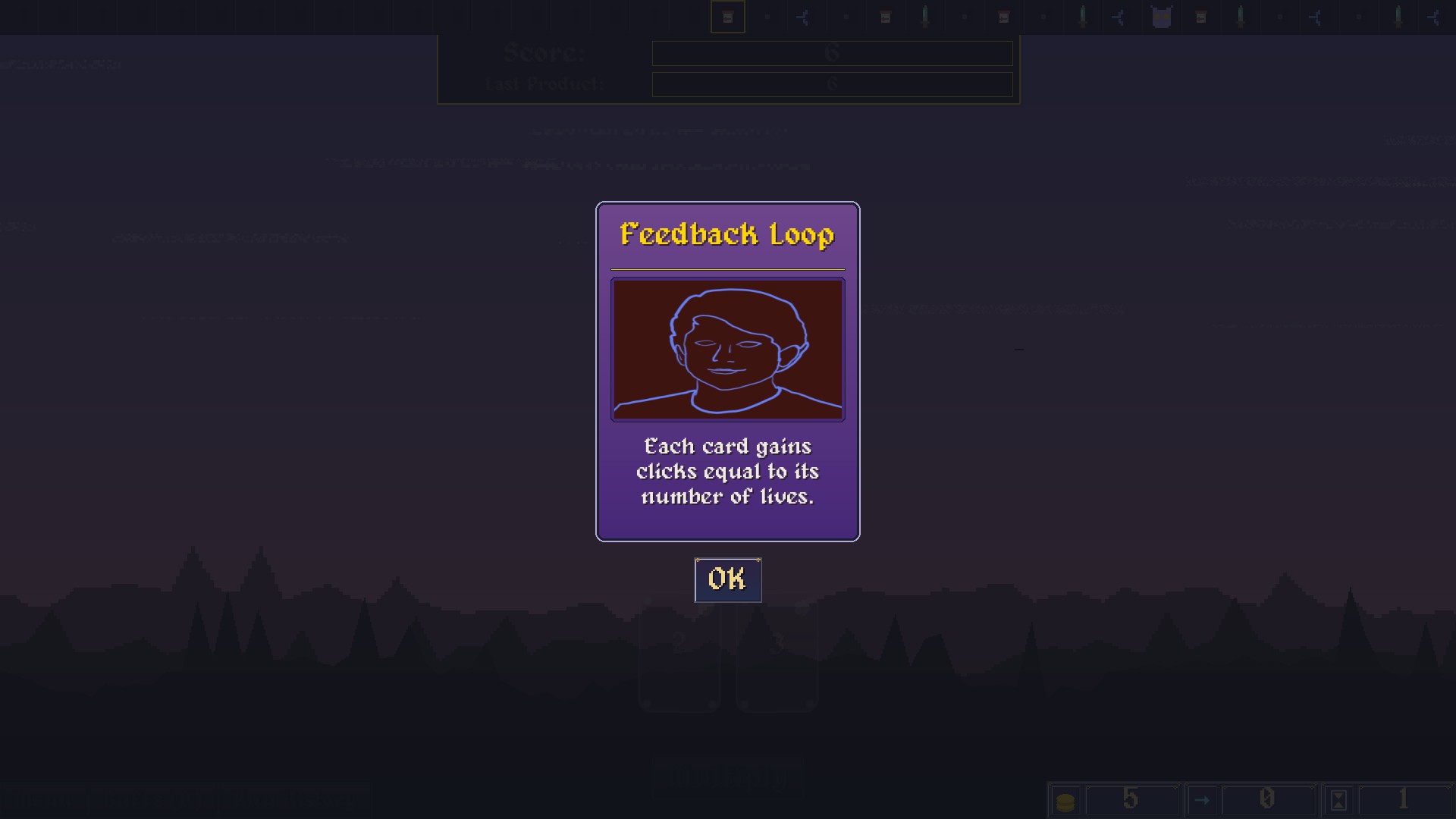
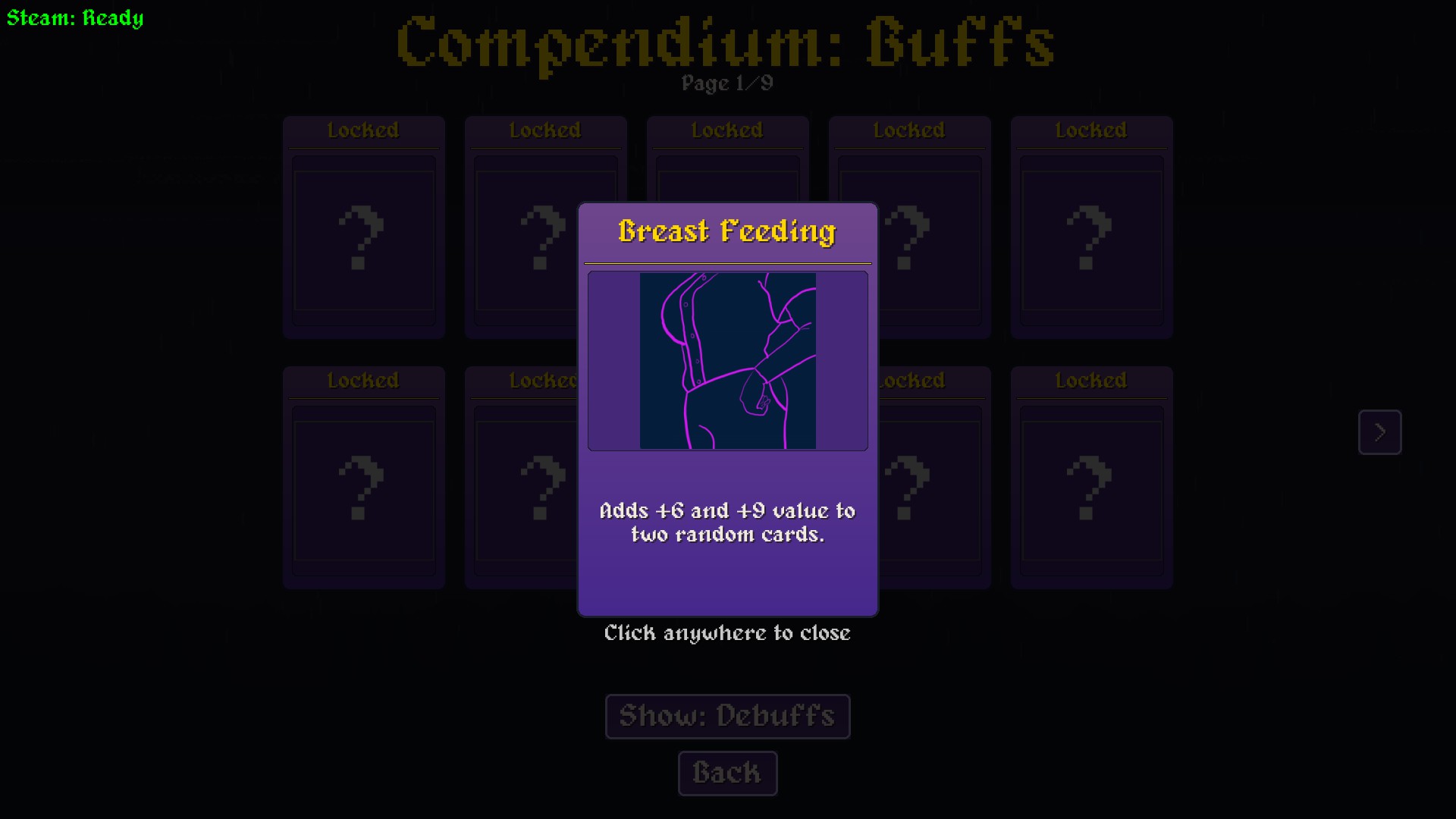
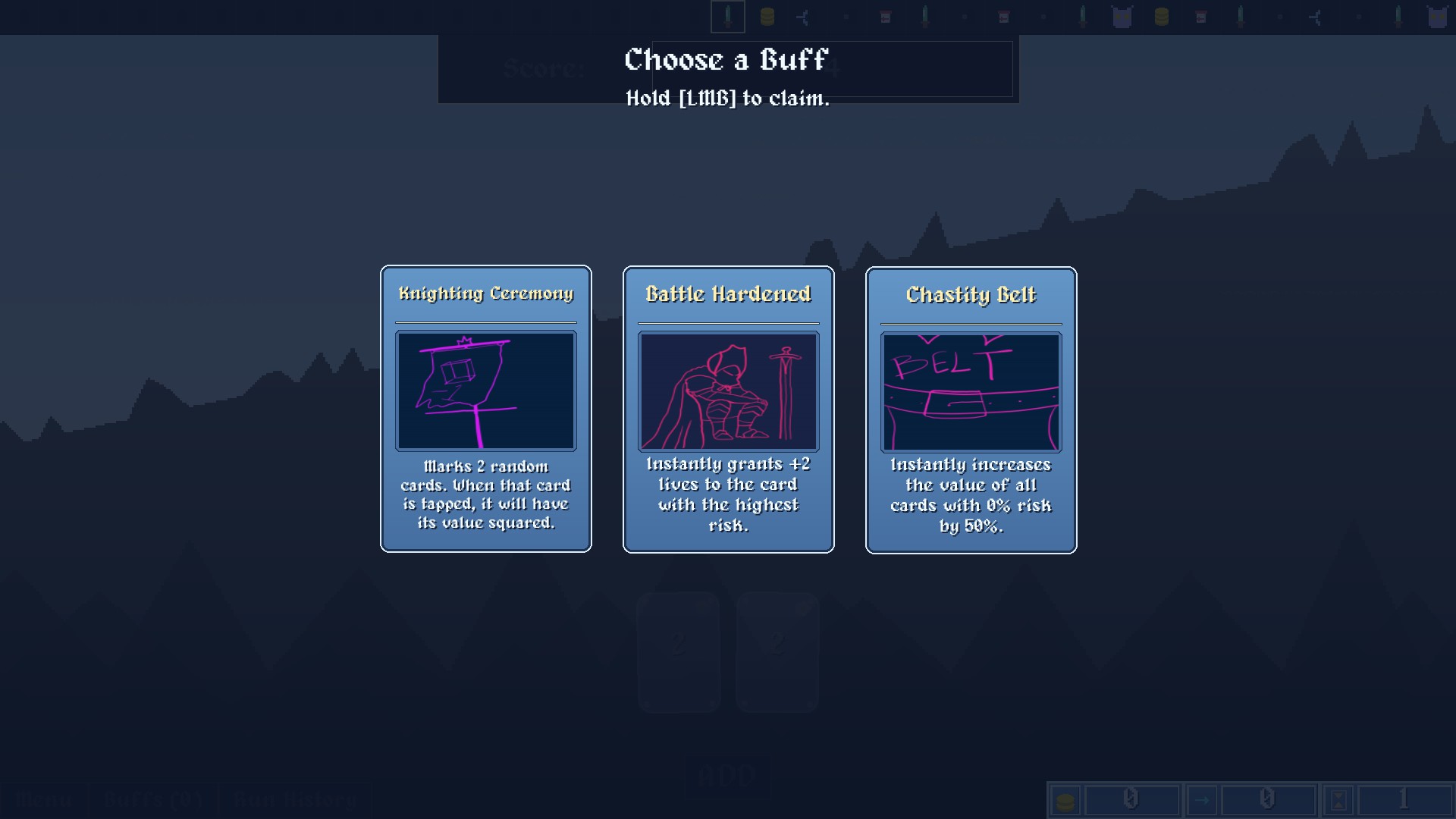
- 80 Unique Buffs: Collect and Play around various unique buffs in fortiori.
- 75 Damning Debuffs: Unavoidable effects that disrupt your plans and force constant adaptation.
- 18 Punishing Bosses: Face down unique bosses, losing to whom doesn't call for game over but rather makes the game much harder. Winning however changes the game.
- In-Game Shop (not real money): Spend coins earned during your run at the shop to buy extra lives, new cards, splits, and powerful buffs.
The Ways of Fortiori
- 9 Playstyles : Pick from 9 playstyles which change the game dramatically to force new strategies :D. You can play any game mode with any play style!
- 2 Operations : Don't feel like multiplying? Toggle the switch to add the numbers instead of multplying for a more controlled experience
- Normal Mode: The way Fortiori is meant to be played, Defeat 7 bosses to win!
- Boss-less Mode: Normal mode but without bosses....for some people.
- Chill Mode: No bosses, No debuffs, increased buffs count, this mode is just to relax.
- Challenges Mode : Try out the game in a new long form challneges to really test your luck in unique settings
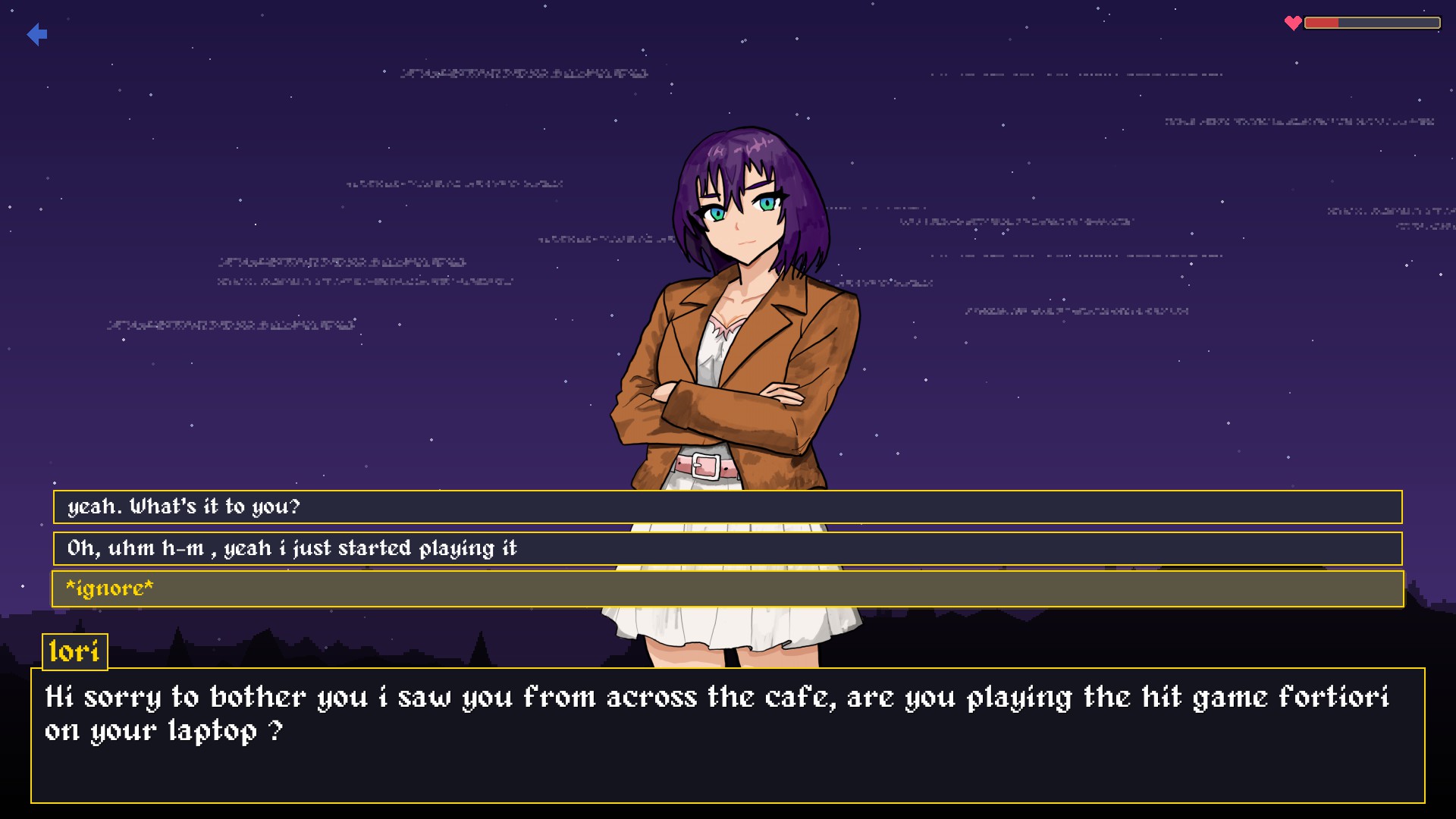
Date Iori
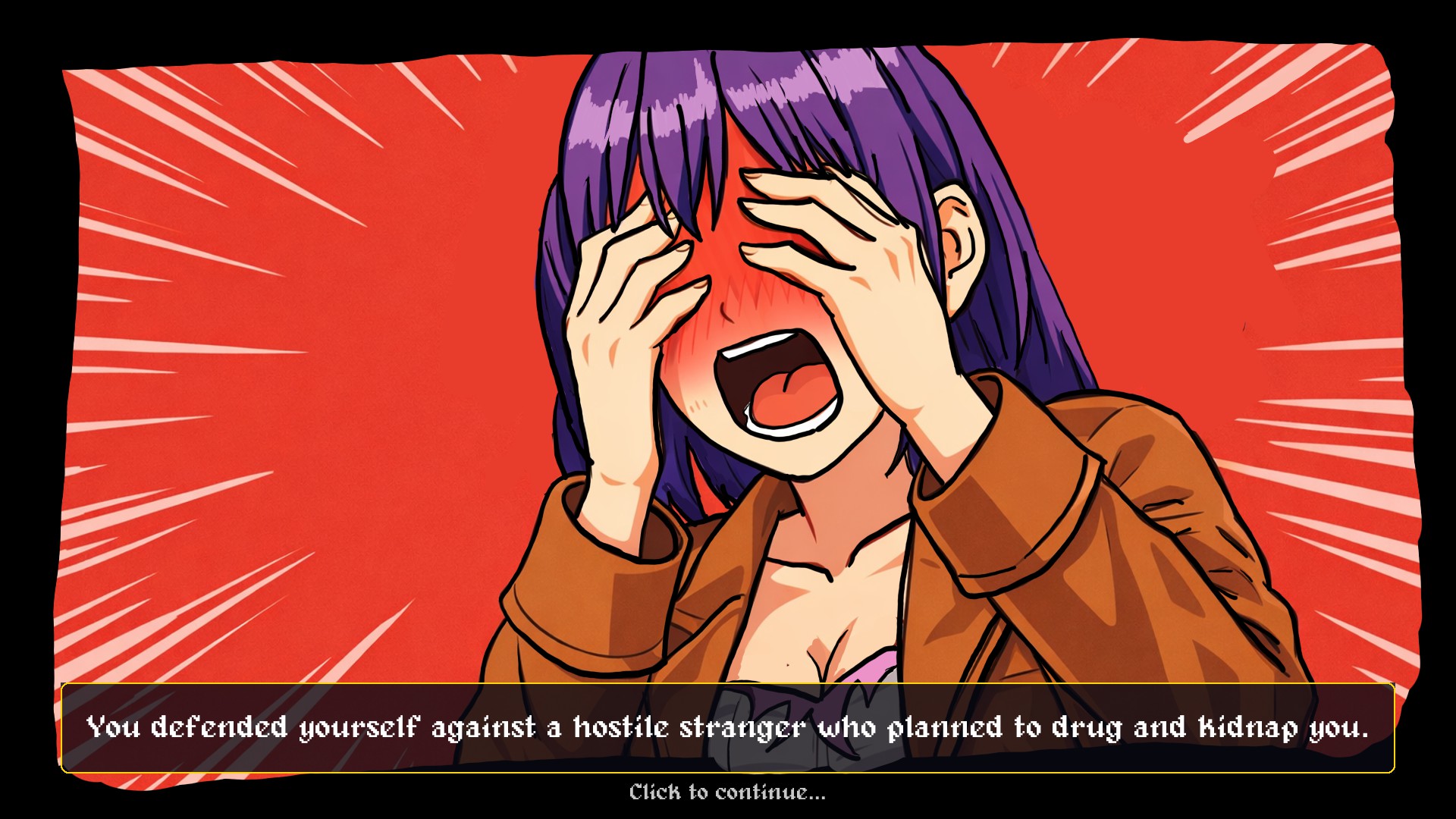
- An all new dating sim where right dialogues and your gameplay skills determine how you get dumped (or picked?)
- Featuring 8 unique endings and multiple branching dialogues
- Date Sim save file does not affect Main game save file**
Purchase
In order to download this game you must purchase it at or above the minimum price of $7.99 USD. You will get access to the following files:
Exclusive content
Support this game at or above a special price point to receive something exclusive.
What
i dont have anything extra to give you except a hello
Download demo
Development log
- Fortiori Language Support14 days ago
- Dating update bug fixes27 days ago
- Fortiori now has Dating!36 days ago
- ability to experience numbers larger than infinity, now 35% off43 days ago
- Introducing Challeneges + discord+ Dead Bugs48 days ago
- Native Linux Support, Controller Support, New Game mode & System Polish55 days ago
- THE BIG PERFORMANCE PATCHNov 27, 2025
- THE BIG ART + ADDITIONAL UPDATENov 25, 2025
Leave a comment
Log in with itch.io to leave a comment.